
Post-quantum page
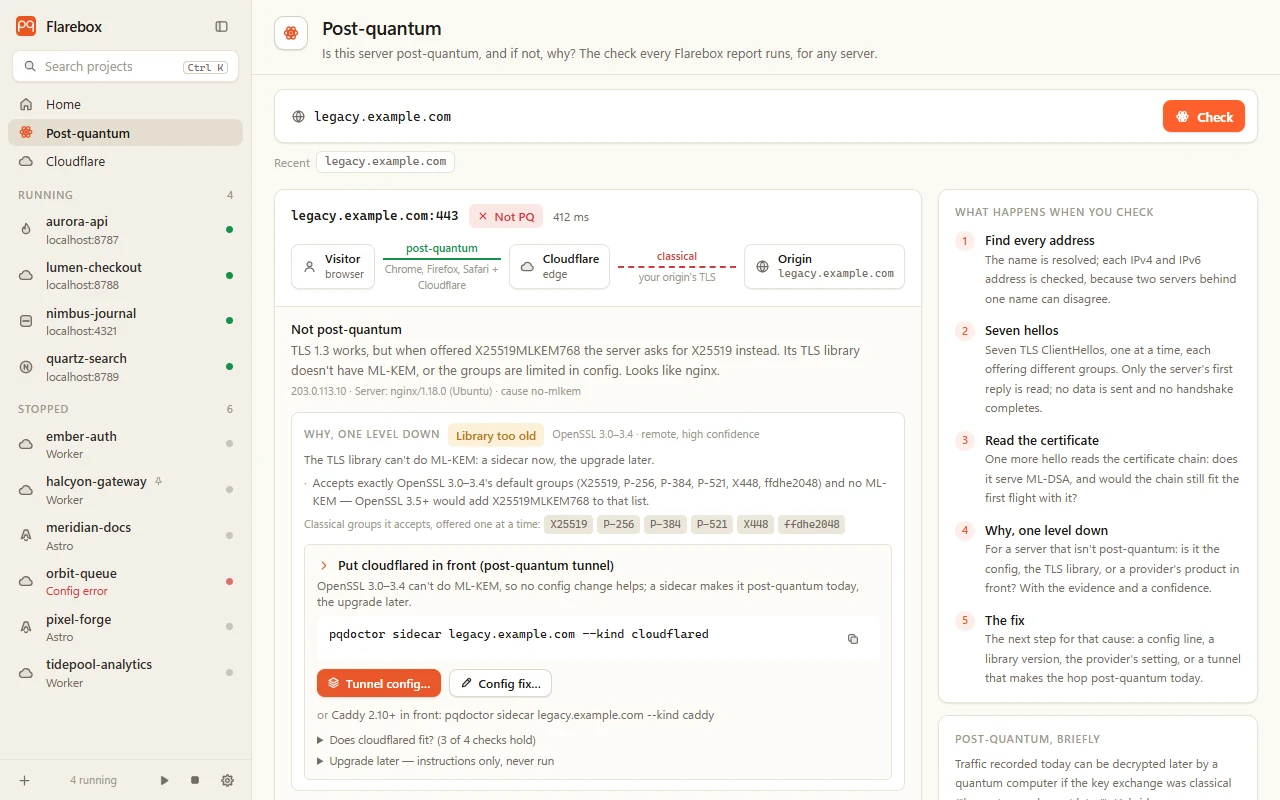
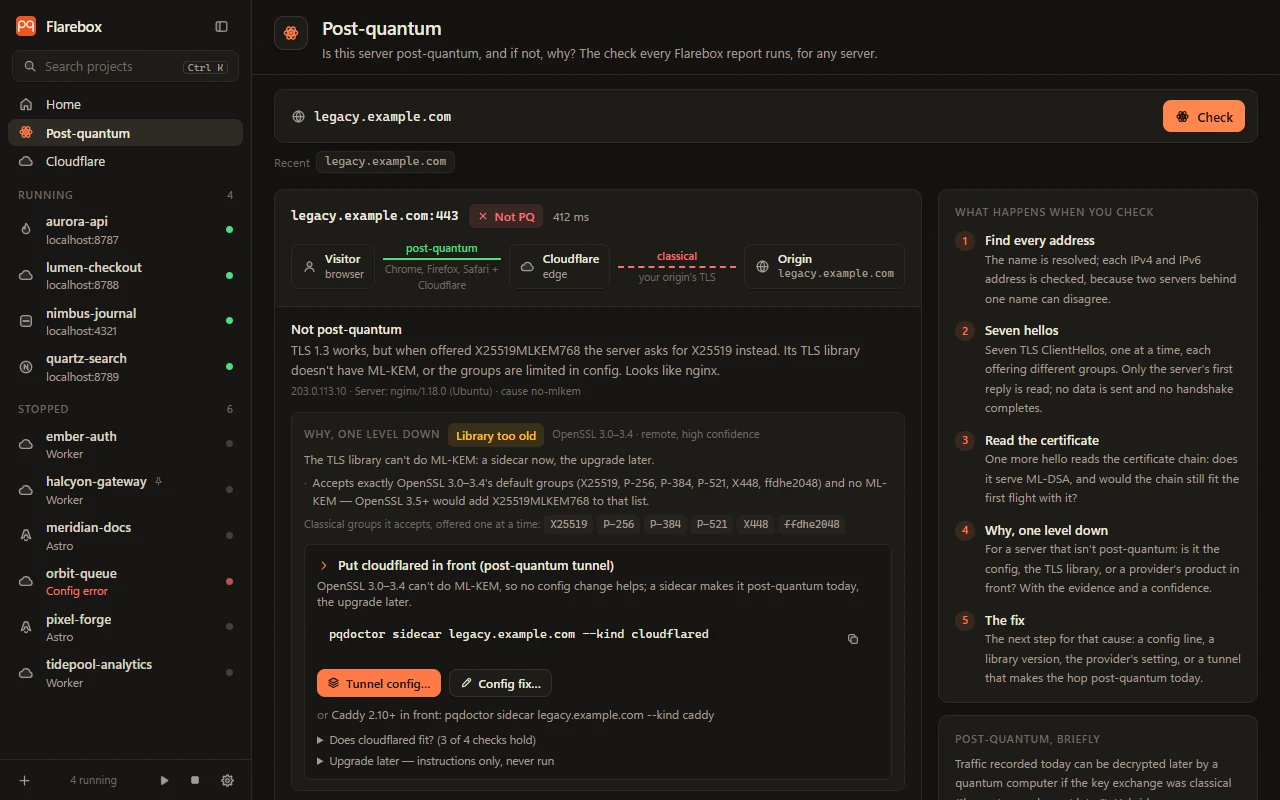
The Post-quantum page in the sidebar checks any server: your origin, an API, a mail server (mail.example.com:587), anything with TLS. It runs the same pqdoctor check as every other report in Flarebox and shows what happened.
Which connection it checks
Section titled “Which connection it checks”The path diagram at the top of a result shows the request’s journey: visitor → Cloudflare → origin. Browsers already reach Cloudflare over post-quantum TLS. The hop behind it, to your server, is post-quantum only if the server’s TLS library has ML-KEM and its configuration allows it. That hop is what’s coloured by the result: green post-quantum, red classical.
The handshake, probe by probe
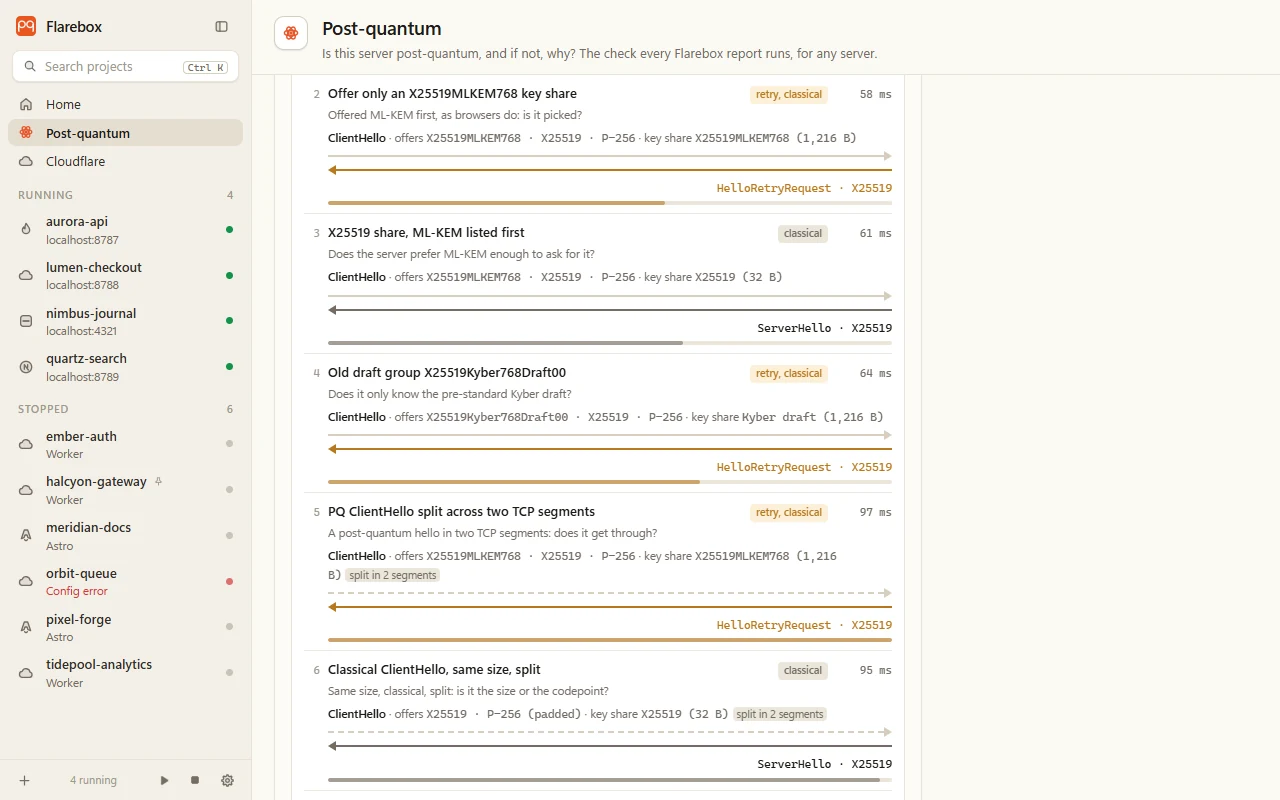
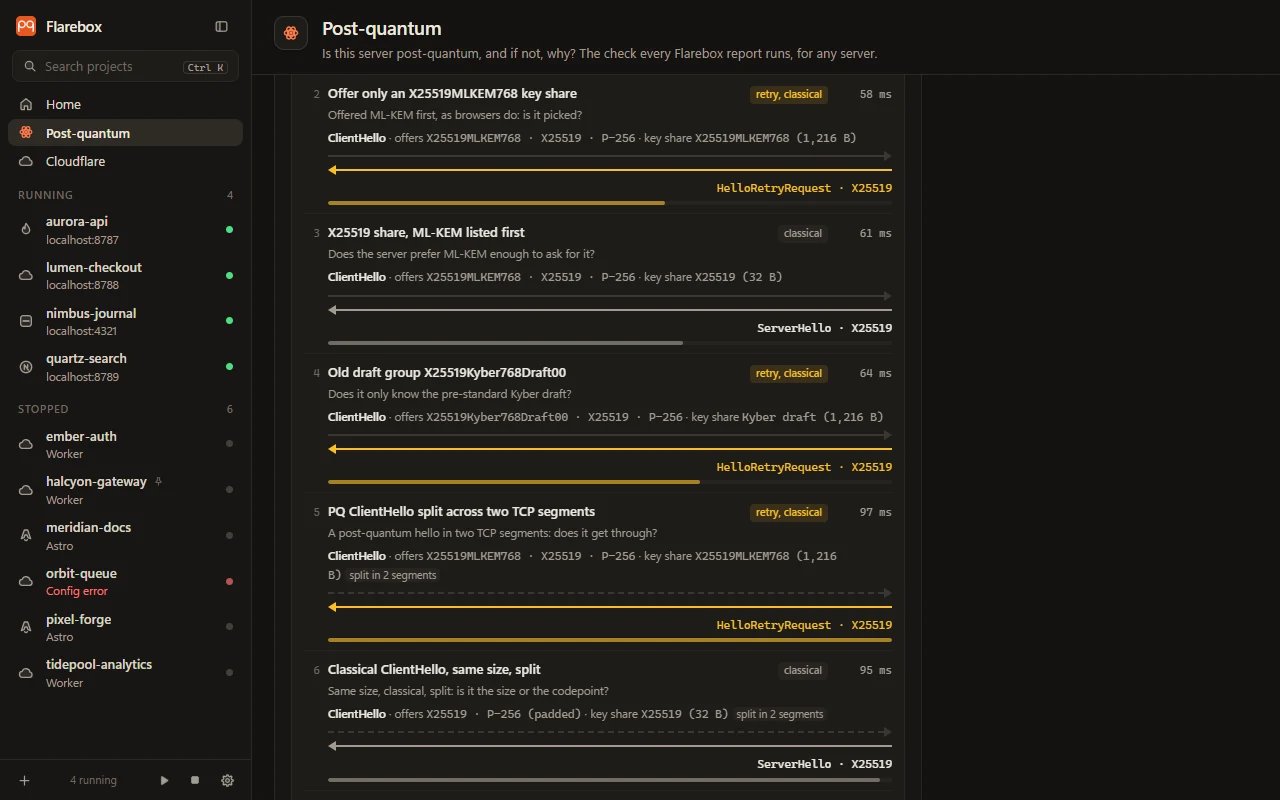
Section titled “The handshake, probe by probe”Each result has a handshake diagram: the seven TLS ClientHellos pqdoctor sent, one at a time, and the server’s first reply to each.
For every probe it shows:
- The question it asks, e.g. “Offered ML-KEM first, as browsers do: is it picked?”
- The ClientHello: the groups offered, the key share sent and its size (an X25519MLKEM768 share is 1,216 bytes; X25519 is 32), and whether it was split across two TCP segments.
- The reply: a ServerHello with the group picked, a HelloRetryRequest asking for another group, or an alert, a reset or silence.
- How long the reply took, as a bar against the slowest probe.
Colours: green when the server picked or asked for a post-quantum group, grey for a classical pick, amber when it asked to retry with a classical group, red when there was no handshake at all. Every probe stops at the server’s first reply: no data is sent and no handshake completes.
| # | Probe | What it shows |
|---|---|---|
| 1 | TLS 1.3 with classical groups | TLS 1.3 works at all |
| 2 | Offer only an X25519MLKEM768 key share | The browser case: picked when offered first |
| 3 | X25519 share, ML-KEM listed first | The server prefers ML-KEM enough to ask for it (pq-preferred) |
| 4 | Old draft group X25519Kyber768Draft00 | Only the pre-standard draft (kyber-draft-only) |
| 5 | PQ ClientHello split across two TCP segments | A middlebox drops big hellos split in two (large-hello-dropped) |
| 6 | Classical ClientHello, same size, split | Whether it’s the size or the codepoint |
| 7 | P-256 / P-384 only | A hand-set NIST curve list (pinned-nist) |
The same diagram is in every report: zone origins, a project’s hosts, and mail servers (under The handshake, probe by probe).
Below the diagram
Section titled “Below the diagram”The rest of the result is the full report: why it isn’t post-quantum one level down (config, library or provider, with the evidence), the next step, fixes per stack, the certificate chain and what ML-DSA would do to it, and an openssl s_client command to verify it yourself. See Reading a report.
Recent checks are kept on the page for one click re-checks. To check every origin behind a zone and re-check them daily, use the zone’s Post-quantum tab.