
Keyboard and command palette
Shortcuts
Section titled “Shortcuts”| Keys | Where | Does |
|---|---|---|
| Ctrl+K | Anywhere | Opens or closes the command palette |
| ↑ ↓, Enter, Esc | Palette | Move, run, close |
| Ctrl+F | Logs | Focus the log search |
| Ctrl+Enter | Explorer SQL box, Durable Object SQL, D1 cell editor | Run or save |
| Esc | Dialogs and menus | Close (a running task’s dialog closes once it finishes) |
Command palette
Section titled “Command palette”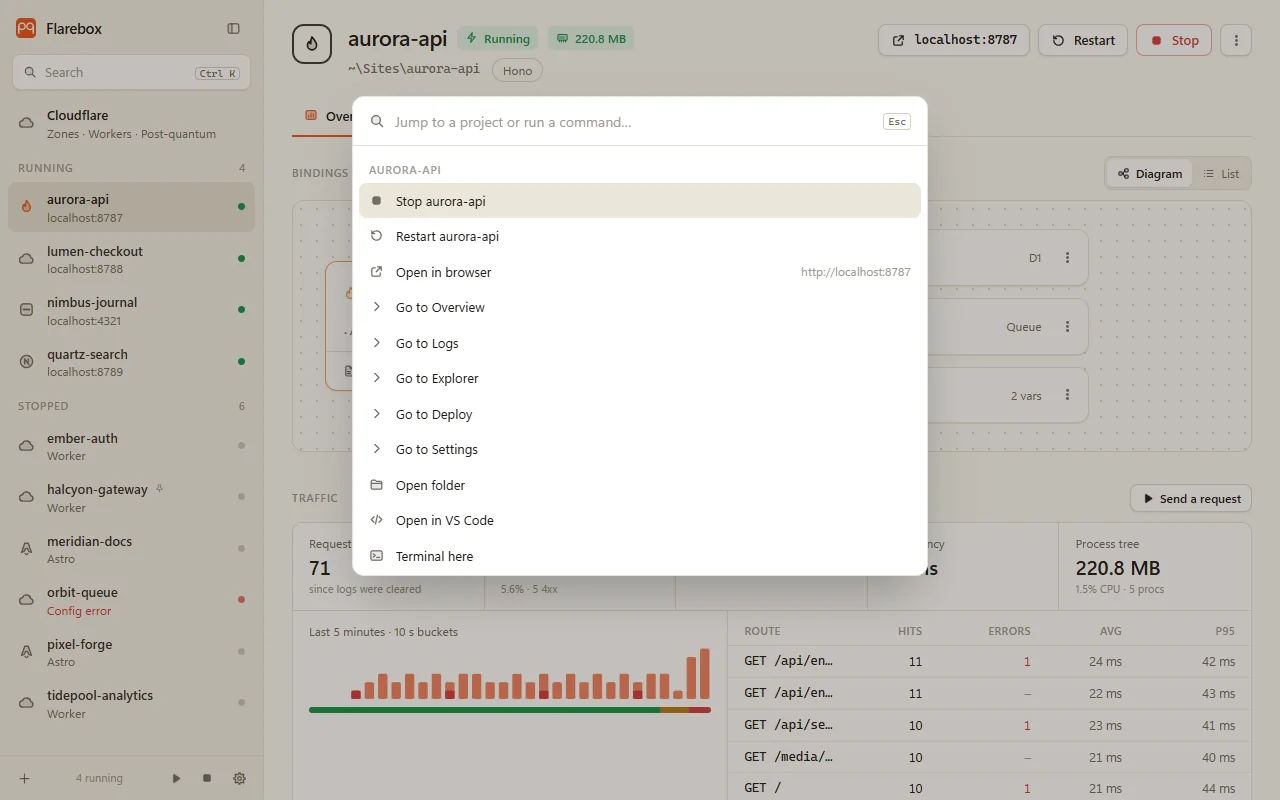
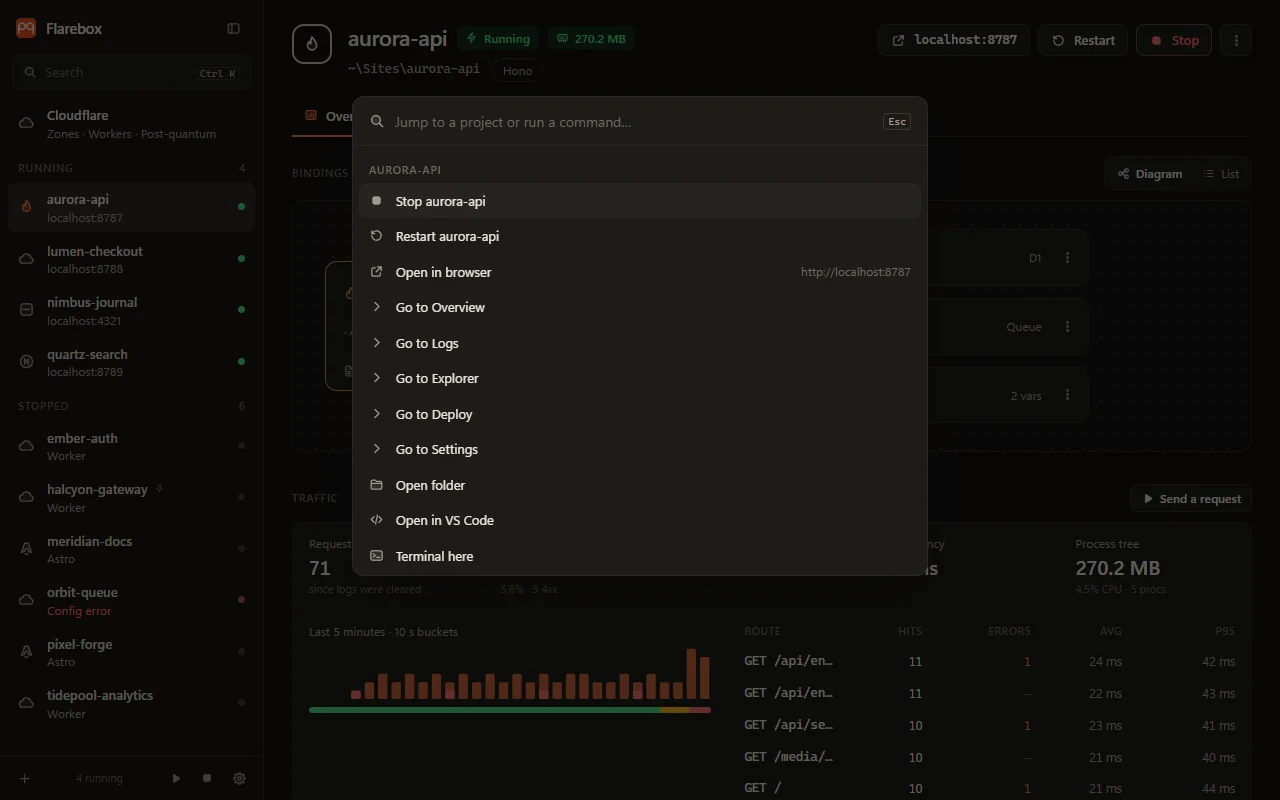
Type to filter. Matching is fuzzy and favours word starts, so dep au finds “Deploy aurora-api…”.
For the selected project
- Start / Stop / Restart project
- Open in browser (while running)
- Go to Overview, Logs, Explorer, Deploy or Settings
- Open folder, Open in VS Code, Terminal here
- Generate types (
wrangler types) - Deploy project…
Projects: jump to any project.
Flarebox
- Cloudflare: DNS, SSL/TLS, safety
- Start all projects, Stop all projects
- Watch a folder…, Pin a project…, Rescan folders
- Expand / Collapse sidebar
- Theme: system, light or dark
- Settings