
Rules, WAF, security and cache
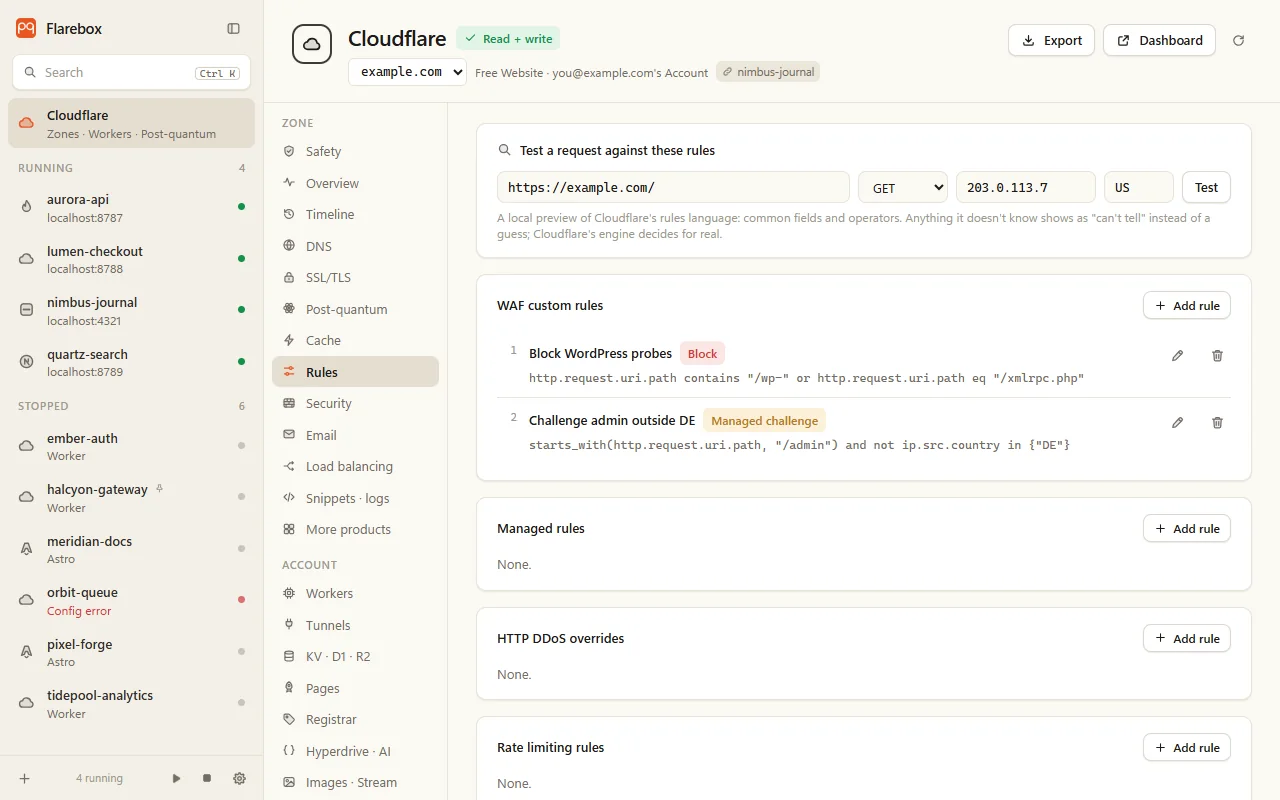
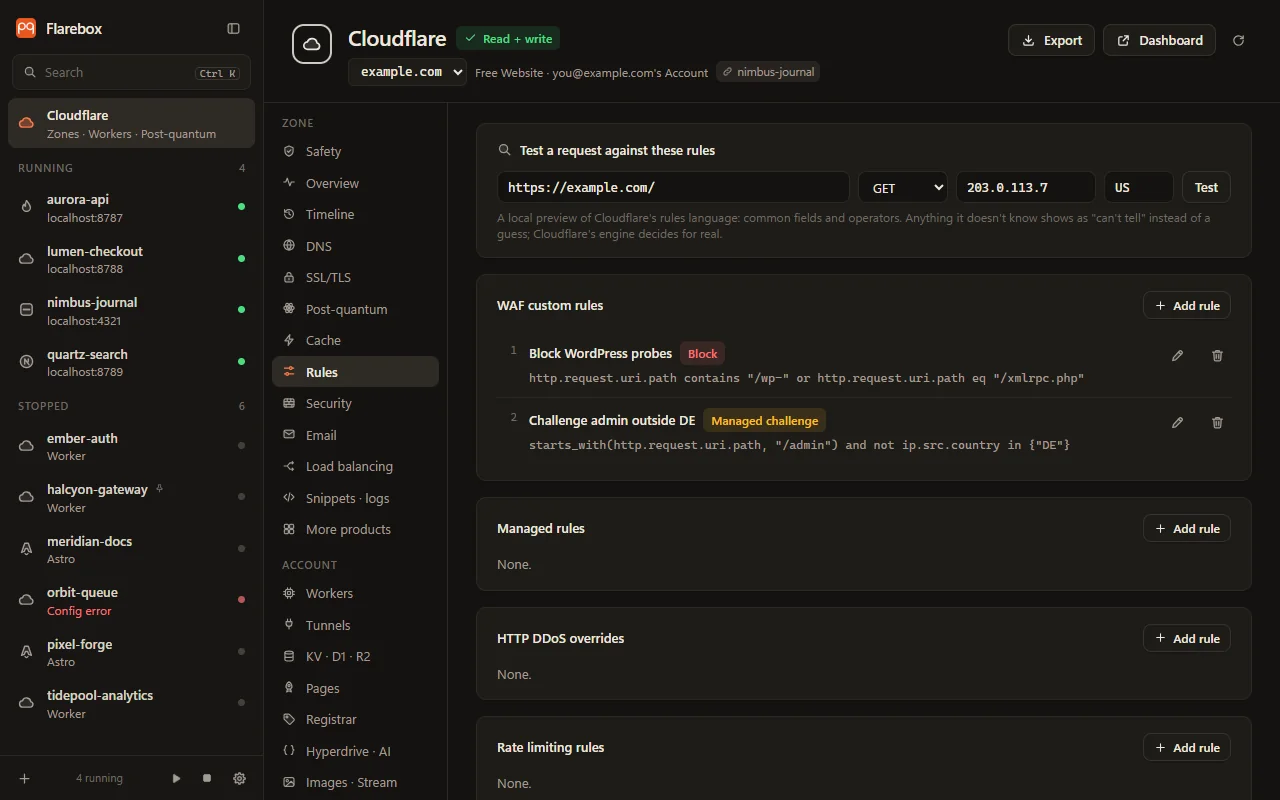
The Rules tab covers the Rulesets phases: WAF custom rules, rate limiting, redirects, URL rewrites, request and response headers, and cache rules. Add, edit and delete, with forms for block, challenge, skip, redirect, rewrite, header and cache actions. A zone with no ruleset yet gets one created with its first rule.
Test a request
Section titled “Test a request”Enter a URL, method, IP and country, and Flarebox evaluates every rule against it locally, showing which would match. The rule form previews its expression live against the same request.
The evaluator covers the common fields and operators, in {…} with CIDRs, starts_with, ends_with, lower, len, url_decode, and and / or / not / xor. Anything it can’t evaluate (bot score, named lists, wildcards) comes back “can’t tell”, never a guess.
Flarebox warns before the Free plan’s rule limits: 5 custom rules, 10 each for redirects, cache and transform rules.
Managed rules
Section titled “Managed rules”Deploy Cloudflare Managed or OWASP Core, only the rulesets Cloudflare offers the zone, with overrides: one action for all its rules, and the OWASP paranoia level (PL1 to PL4).
HTTP DDoS overrides
Section titled “HTTP DDoS overrides”The ddos_l7 sensitivity: high, medium, low, or essentially off.
Rate limiting
Section titled “Rate limiting”Requests per period, the period, what to count by (IP; ASN and country on Enterprise), and the block duration. Flarebox checks the values Cloudflare accepts, and warns about plan limits (Free: 1 rule, 10 s period, 10 s timeout).
Security
Section titled “Security”Security groups the zone’s firewall events into what got blocked and why: by action, source and rule, with the top paths, countries and IPs.
Allow on a path builds a skip rule and opens it for review. That’s one click from a false positive to a reviewed, undoable exception.
Security settings (security level including Under Attack mode, browser integrity check, challenge passage, leaked credentials detection), IP access rules, lists and bot settings are under More products.
- Hit ratio and bandwidth saved.
- Why is this URL (not) cached? makes one plain GET to a URL on your zone (no token) and explains its
cf-cache-statusfromCache-Control,Set-Cookieand the content type. For example: “Cloudflare doesn’t cache HTML by default; add a cache rule”. - Purge by URL (up to 100), cache tag, hostname or URL prefix, or everything.
Purges are irreversible. Purging everything, or by hostname, needs the zone name typed. Prefixes are normalised before the review: https:// is dropped, and query strings are refused.