
DNS
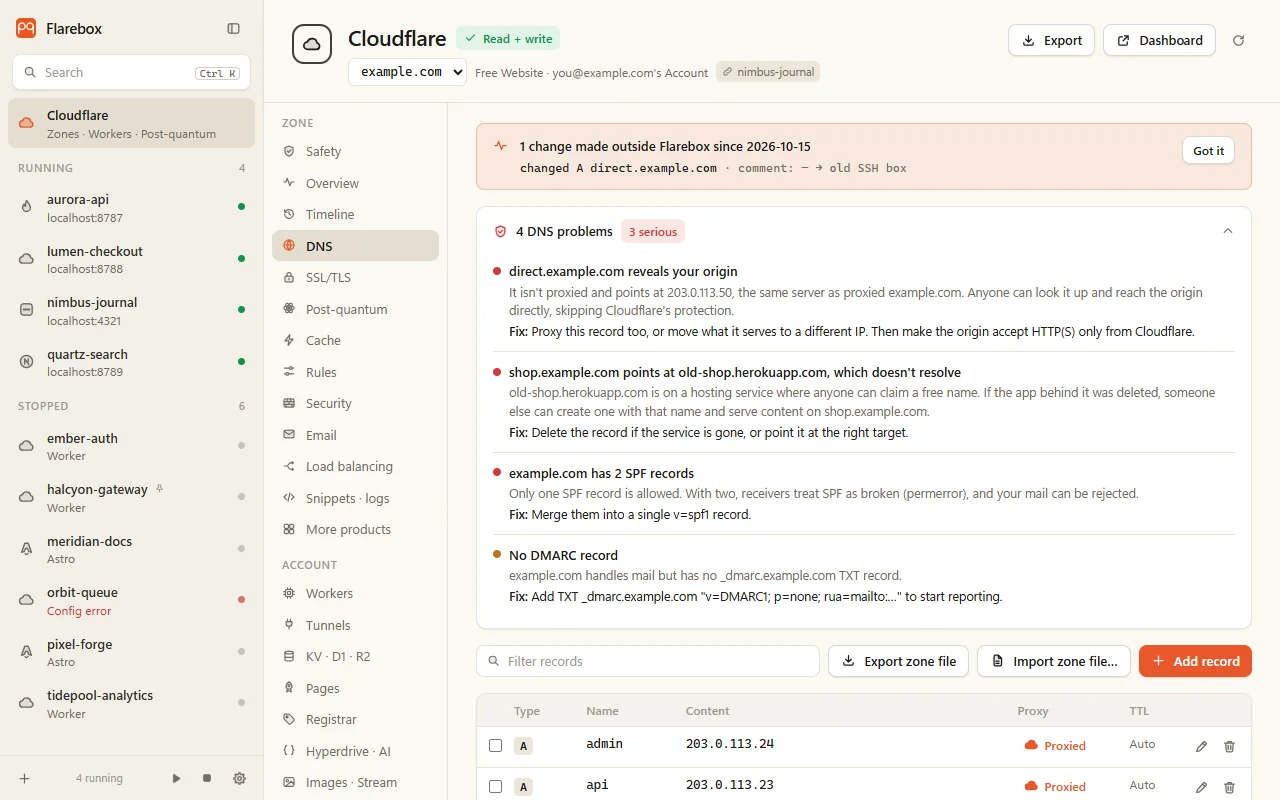
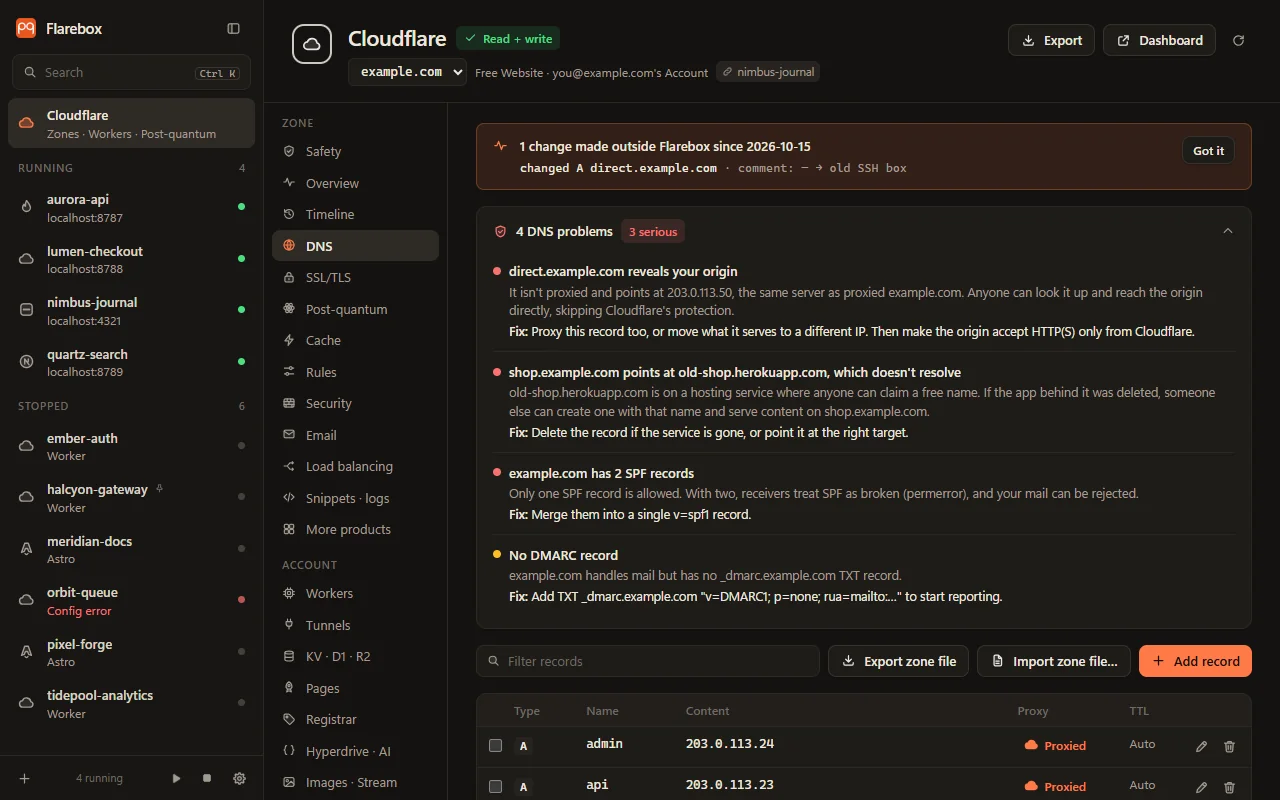
The DNS tab lists the zone’s records with type, name, content, proxy status, TTL and comment, with every problem Flarebox finds at the top.
Editing
Section titled “Editing”- Add, edit and delete A, AAAA, CNAME, TXT, MX and NS records, and toggle the proxy. Other types can be deleted, and undo can recreate any type.
- Batch delete: tick records, then Delete N in one batch…. It’s sent as one transaction and undone as one.
- Import a zone file: paste a BIND file. Flarebox parses it (
$ORIGIN,$TTL,@, relative names, quoted TXT, parentheses) and compares it with the zone. The review lists exactly what’s added, what’s already there, and which lines are skipped (SOA, apex NS, types it doesn’t edit, names off the zone,$INCLUDE). It’s added as one batch and undone as one. - Export: the header’s Export menu has Zone file (BIND), Config as JSON (records, settings and rules) and DNS as Terraform (
cloudflare_dns_record, provider v5).
Every change is reviewed as a diff, checked against the live zone before it’s written, read back, and recorded with undo. See How changes stay safe. A change that would introduce a problem says so in the review, e.g. “this unproxied record would reveal your origin”.
What it checks
Section titled “What it checks”| Problem | Why it matters |
|---|---|
| Leaked origin | An unproxied record on the same IP as a proxied one reveals the origin. Anyone can then bypass Cloudflare and hit it directly |
| Dangling CNAME | Points at a service where names can be claimed (Heroku, Azure, S3, GitHub Pages, Netlify, Vercel, Pages, and others) and the target no longer exists. Someone can claim it and serve content on your name |
| CNAME conflict | A CNAME next to other records at the same name, or duplicates |
| Proxied non-HTTP name | A proxied name used for mail, SSH or FTP won’t work: the proxy only carries HTTP(S) |
| MX through the proxy | MX pointing at a proxied host. Mail can’t be delivered through it |
| SPF | More than one SPF record (receivers treat both as broken), or +all |
| No DMARC | Nothing tells receivers what to do with mail that fails SPF or DKIM |
Each comes with its fix. Service-name records such as _domainconnect aren’t flagged as dangling.
Flarebox remembers what it last saw. A change made in the dashboard (or by any other tool) shows as a banner: added, removed or changed, field by field, until you acknowledge it. Flarebox’s own changes don’t count as drift.
When Cloudflare can’t be reached, the last state is shown with an Offline marker.