
Flarebox
Flarebox is a free desktop app for Cloudflare, for Windows and Linux. It does three jobs in one window:
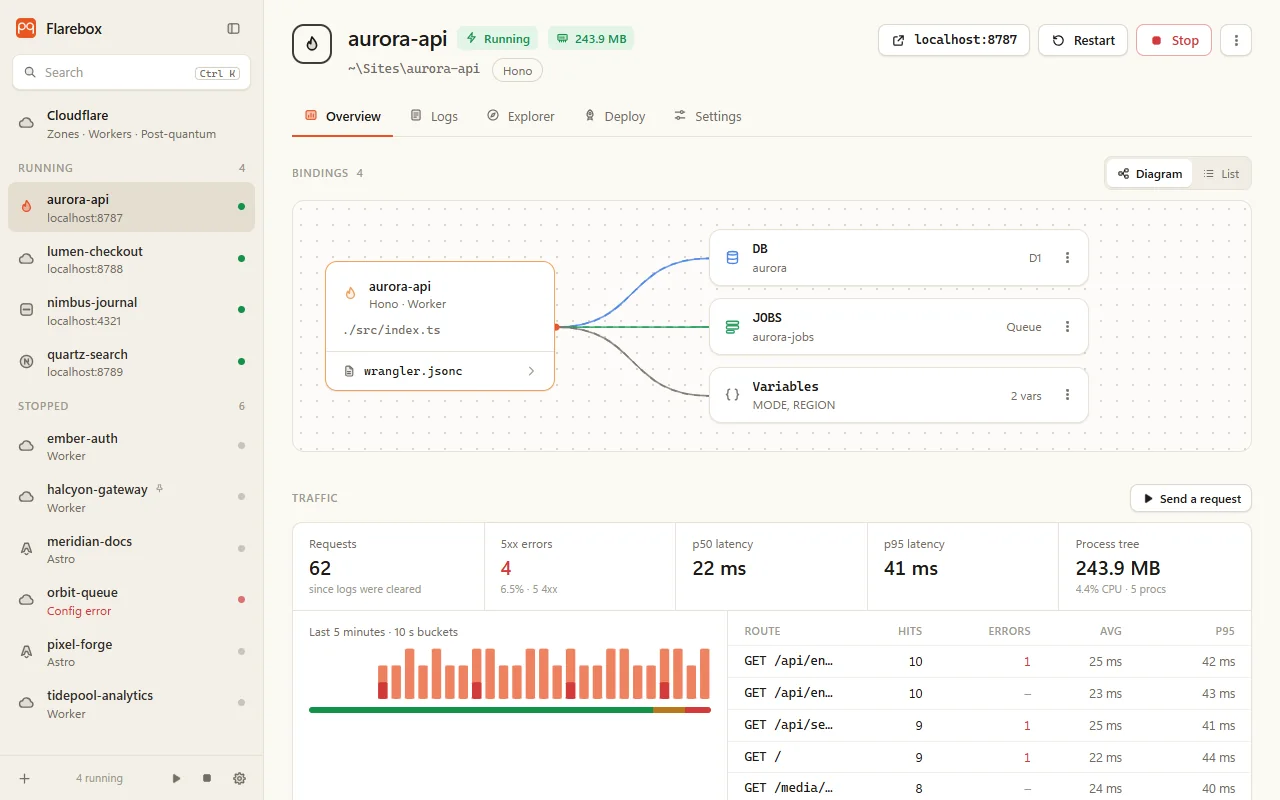
- Local Workers development: finds every wrangler project in your folders, runs and watches the dev servers, and shows bindings, traffic, logs and local data.
- Deploys: reviewed deploys, rollback, gradual rollouts, secrets and live production logs, through each project’s own wrangler.
- Your Cloudflare account: zones, DNS, SSL/TLS, rules, cache, tunnels and more through the API, with pqdoctor run against every origin behind your zones, daily.
Unofficial. Not affiliated with Cloudflare.
Why it exists
Section titled “Why it exists”The Cloudflare dashboard shows what’s configured. It doesn’t show which of your origins are post-quantum, why the others aren’t, or whether a fix you applied last week still holds. Flarebox keeps that history next to the rest of your zone, so post-quantum readiness becomes one more thing you can see, fix and prove.
Everything else is there because it’s the same window you’d already have open while working on a Worker.
What it does
Section titled “What it does”Local development
Section titled “Local development”| Projects | Finds wrangler.toml / .json / .jsonc in watched folders, detects the framework and package manager, runs wrangler dev or a script, restarts on crash, and never leaves workerd behind |
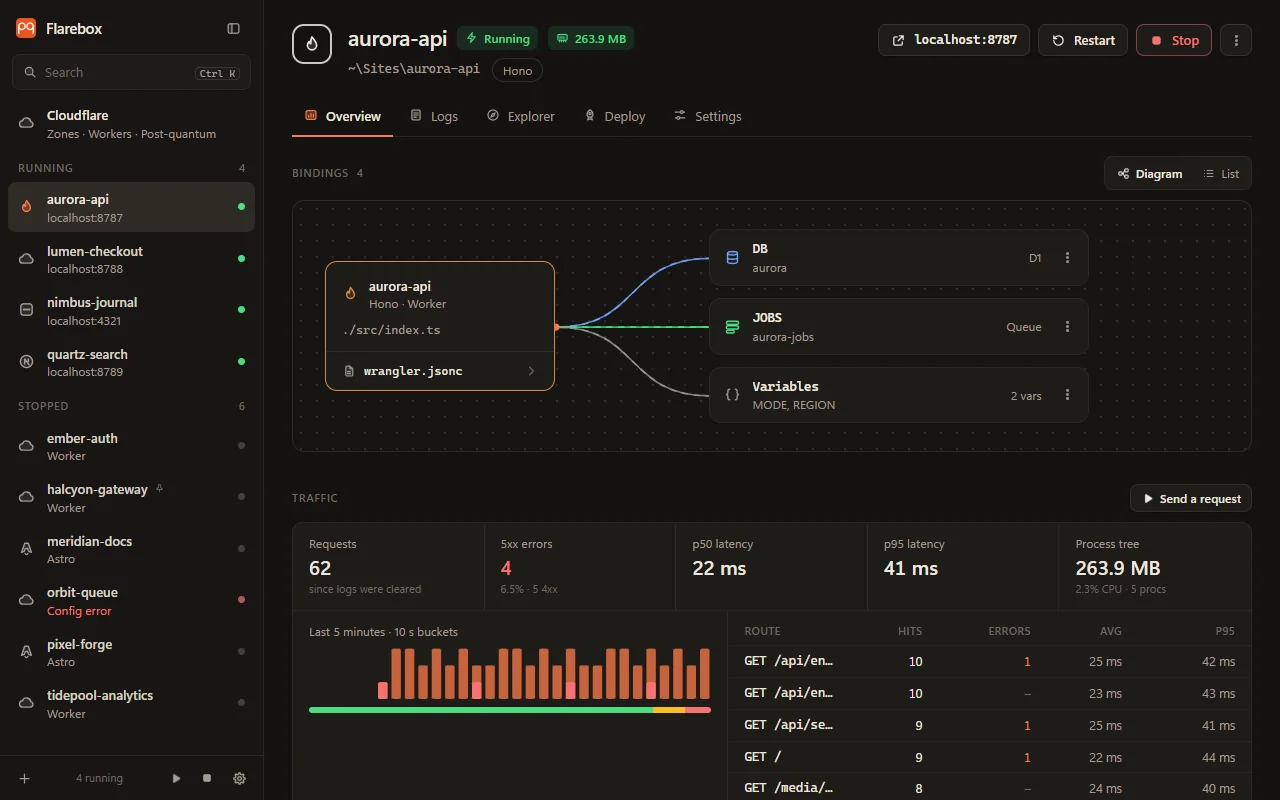
| Overview, traffic and logs | A live bindings diagram, requests, 5xx and p50/p95 latency parsed from the dev server’s logs, process memory and CPU, searchable logs |
| Local data | D1 tables and SQL, KV keys, R2 objects, Durable Objects and Workflows; editing with a snapshot before every change; .dev.vars |
| Triggers and replay | Replay any request, fire cron triggers, deliver queue batches |
Deploys
Section titled “Deploys”| Deploy | Account picker, bundle check, review of what changes, confirmed deploy with streamed output |
| Rollback and gradual rollouts | Roll back to any version, split traffic between two |
| Secrets and production | Write-only secrets, live wrangler tail, analytics, remote D1 migrations |
Your Cloudflare account
Section titled “Your Cloudflare account”| Tokens | A read token and an optional write token, in Windows Credential Manager |
| Safety | Every zone at once: DNS mistakes, TLS settings, and pqdoctor on the origins |
| DNS · SSL/TLS | Records with lint, batch edits and import; TLS settings, HSTS, DNSSEC, Origin CA |
| Rules, WAF and cache | Rules with a local test-a-request preview, managed WAF rules, rate limiting, purge |
| Tunnels and Access | Expose localhost on a hostname, behind Access |
| Everything else | Timeline, alerts, Workers in production, the rest of the products, export |
Post-quantum
Section titled “Post-quantum”| Post-quantum tab | History, daily re-check, regression alerts, fix reports, CBOM, what to fix first, deadlines |
| ML-DSA origin certificates | A private ML-DSA-44 CA and the zone’s Custom Origin Trust Store |
| Crypto in your code | Quantum-vulnerable crypto in a project’s source, with file and line |
Built to be safe with a live account
Section titled “Built to be safe with a live account”Every change to Cloudflare goes through one path: a stored plan, a diff you confirm, a check that nothing changed since you looked, a read-back, and undo. Tokens never reach the window, never touch a file, and only go to api.cloudflare.com, over post-quantum TLS. See Security model.