
Local data
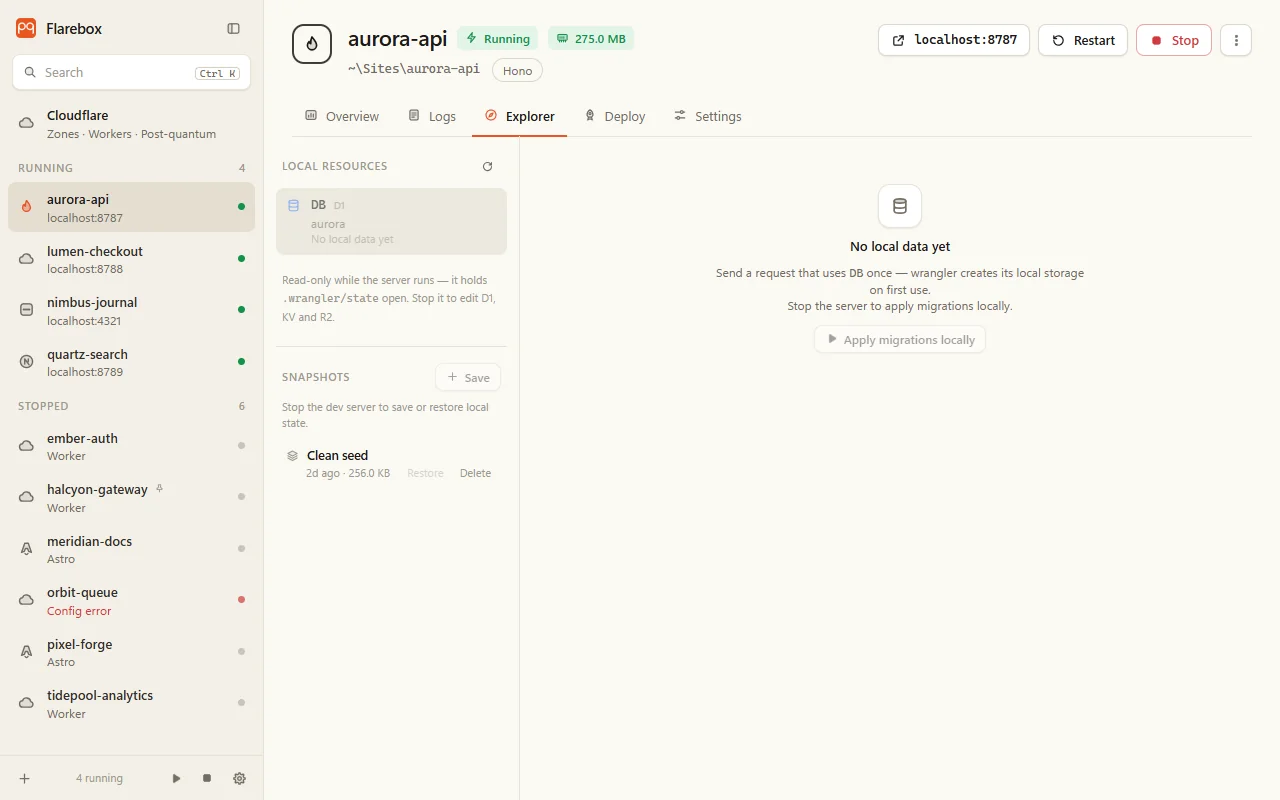
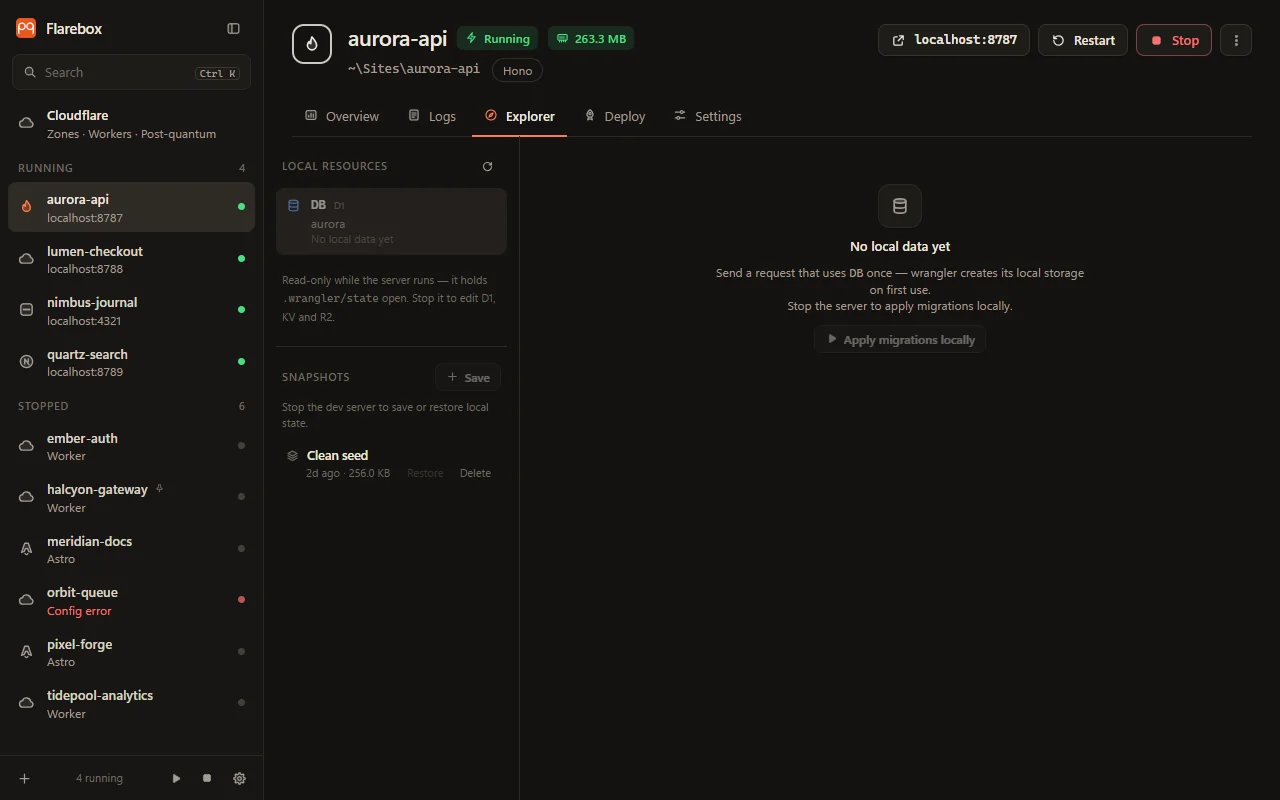
The Explorer tab reads the project’s local state in .wrangler/state: what wrangler dev uses for D1, KV and R2.
Browsing
Section titled “Browsing”| D1 | Tables with paging, and a SQL box (Ctrl+Enter runs one statement). Results export as CSV |
| KV | Keys with pretty-printed values, TTL and metadata. Save value as… for values the preview can’t show |
| R2 | Objects with image, text and PDF preview, and Save as… |
Flarebox also finds local databases left behind by an old database_id.
Editing
Section titled “Editing”You can edit D1 and KV, and upload, rename and delete R2 objects.
Every edit:
- Shows the exact SQL or wrangler command first.
- Takes a snapshot of the whole local state.
- Runs through the project’s own wrangler with
--local:d1 execute --local --file,kv key put --local --path,r2 object put, and so on. SQL and values travel in temp files, never on a command line.
D1: double-click a cell to edit it (Ctrl+Enter saves), add or delete rows, or run any SQL as a change.
KV: add, edit and delete keys, with a TTL (“After”, 60 s minimum) or an expiration time (“At”), and JSON metadata. Editing a key pre-fills its expiration and metadata, because a put replaces all three. Binary values come from a file.
R2: upload (new or replacing), delete, and rename. Rename is three steps (get, put under the new key, delete), and the HTTP metadata comes along.
D1 migrations
Section titled “D1 migrations”The migrations bar shows which migrations/*.sql files the local database has applied.
- Apply locally (server stopped).
- New migration:
wrangler d1 migrations create, local files only. - Remote…: lists what production hasn’t applied, and applies it. See Production.
Durable Objects and Workflows
Section titled “Durable Objects and Workflows”Under Explorer → Live from the dev server, read-only, through wrangler 4’s Local Explorer on the running server:
- Durable Objects: objects with their
idFromNamenames and storage type, their tables (including_cf_KV, which holdsctx.storage.putkeys), and a SQL box. A statement runs only if SQLite itself classifies it as read-only, soINSERT,UPDATEandDELETEnever reach the object. - Workflows: instance counts by status, and per instance its params, output, error and every step with timings and attempts. It refreshes while anything is running.
This needs wrangler 4 with the Local Explorer. With an older wrangler, Flarebox says to update it in the project.
.dev.vars
Section titled “.dev.vars”Settings → Local secrets edits .dev.vars and each .dev.vars.<env>:
- Names are listed; values stay masked until you show one.
- Add, edit, delete and copy. Comments, other lines and line endings are kept, and values are quoted so dotenv reads them back exactly.
- It says which file
wrangler devactually reads:.dev.vars.<env>replaces.dev.vars(they aren’t merged), and.envis the fallback. - It warns when a file isn’t gitignored or is already committed.
Values are never logged, stored or put in an error message.
Snapshots
Section titled “Snapshots”Snapshots saves the project’s whole .wrangler/state (local D1, KV, R2 and Durable Objects) as a zip in %APPDATA%\Flarebox\snapshots. Restore one to go back.
- Only while the server is stopped.
- Every restore first saves the current state as Before restore, so a restore can be undone too.
- Edits take a snapshot automatically.